1 · Join (first time)
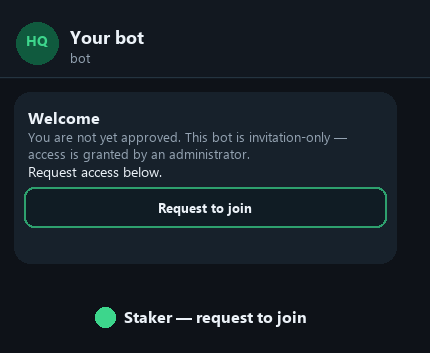
Your admin sends you the bot link. You request access — they approve.
- 1Open the bot link (e.g. t.me/YourBot).
- 2Tap Start.
- 3Tap Request to join.
- 4Wait for approval from your admin.
- 5Send /start again → you go online and can receive games.
2 · Online / offline (green & red)
🟢
Online
You receive new games. Send /start or tap Go online.
🔴
Offline
You do not receive new games. Send /stop when you are done for the day.
Your status is pinned in the chat so you always see whether you are online or offline.
3 · Daily flow
- 1/start — go online.
- 2On each game you will follow, tap Subscribe.
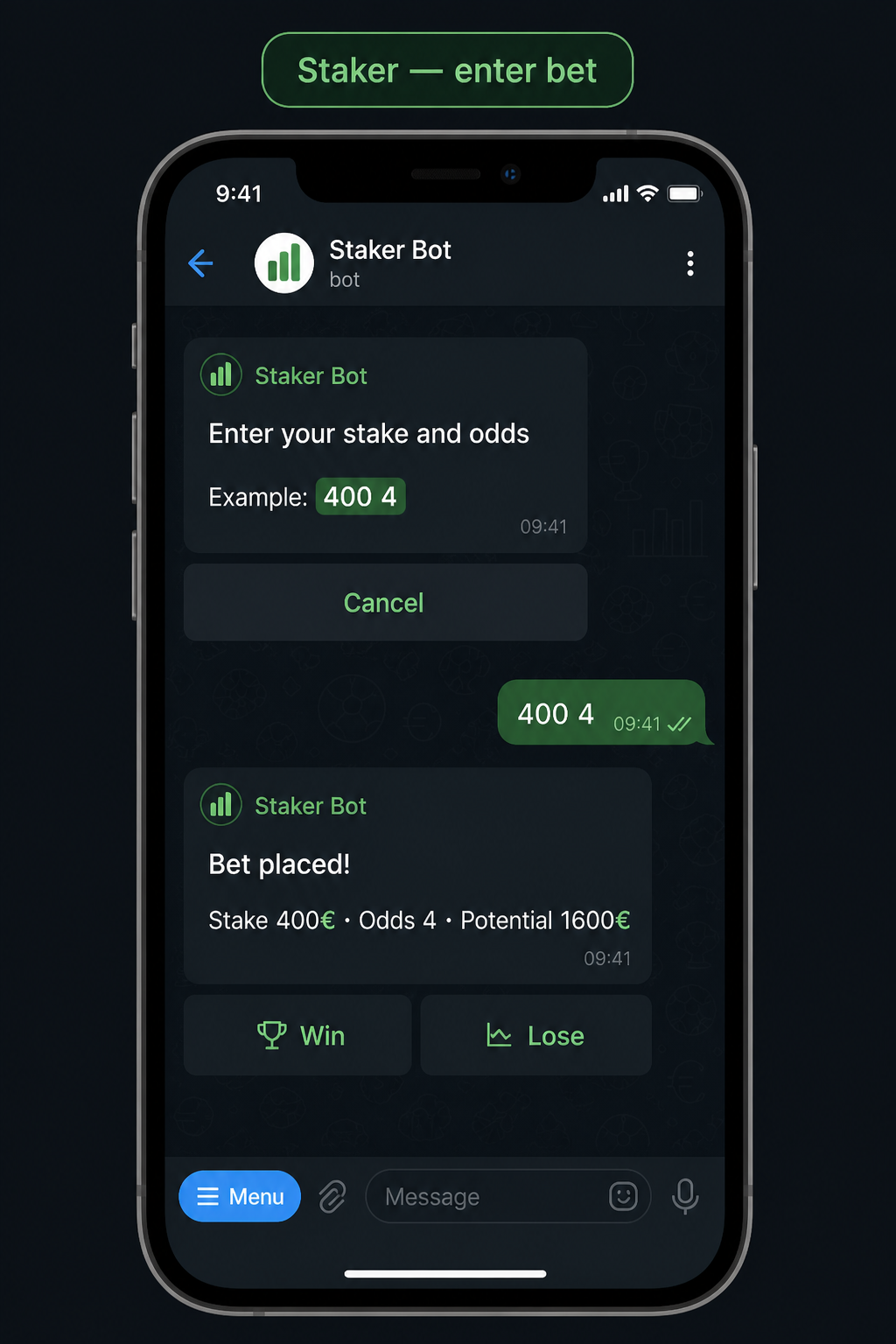
- 3Tap Enter Bet → type stake and odds, e.g. 400 4.
- 4When the result is known, tap Win or Lose (or wait for admin settlement).
- 5Check /balance and /reports. Use /stop to go offline.
4 · Enter Bet
| You type | Meaning |
|---|---|
| 400 4 | 400 at odds 4.00 |
| 100 1.95 | 100 at 1.95 |
| 250 then odds | Two-step entry |
| /b 400 4 | Same, as a reply to the game |
- Odds are always required
- Market / match is not asked
- Multiple bets on the same game are allowed
5 · Game card buttons
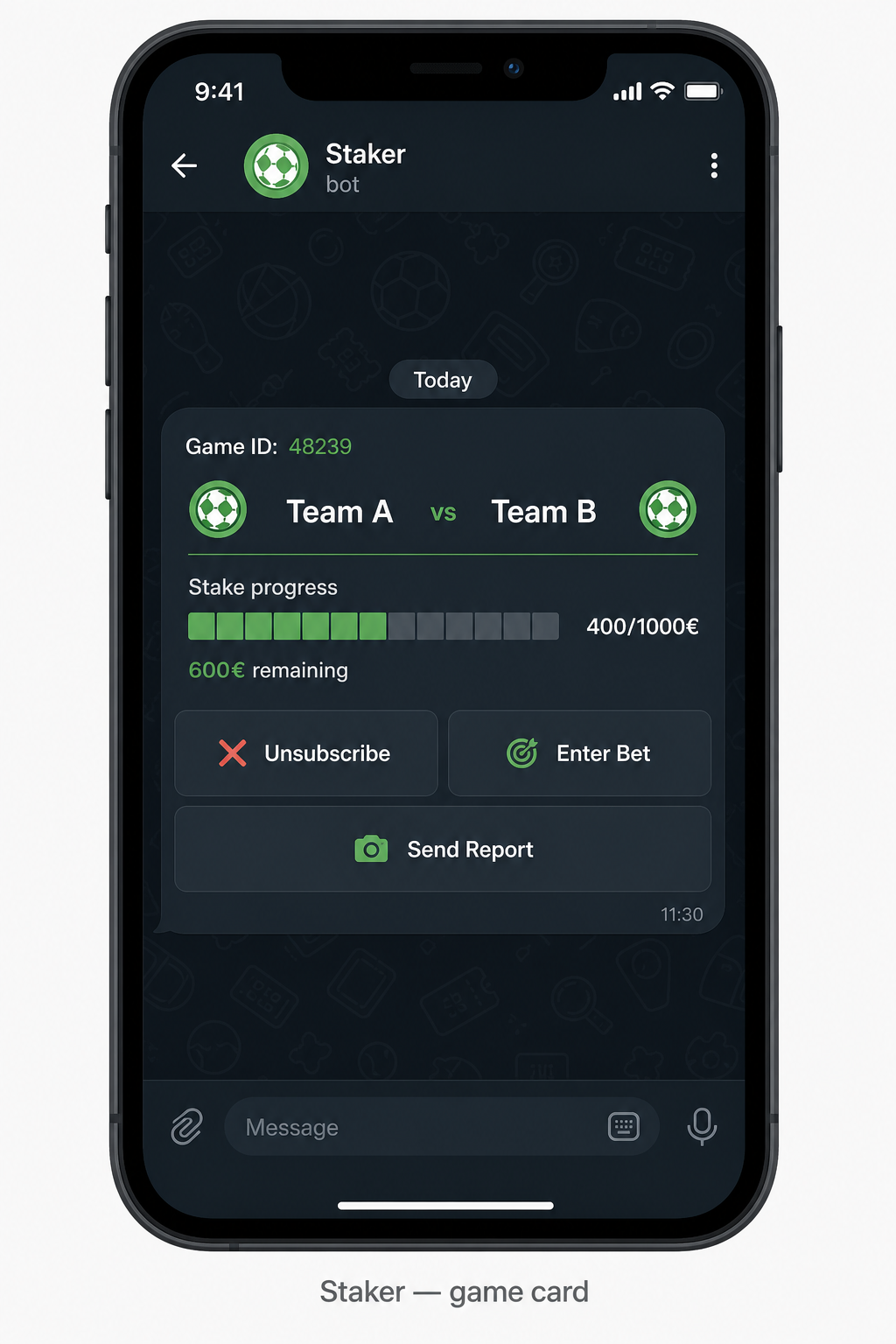
- Subscribe / Unsubscribe — receive or stop updates for that game
- Enter Bet — log stake + odds
- Send Report — opens chat with the admin who sent that game
A progress bar (e.g. 400/1000€) appears only if the admin set a stake total. No bar is normal when there is no target.
6 · Commands cheat sheet
/startGo online + receive games
/stopGo offline
/dashboardYour status
/balanceBalance
/reportsYour bets
/b 400 4Bet as reply to game
/helpHelp
Direct link: stakerhq.io/docs/job-aids/staker · Admin guide: /docs/job-aids/admin